
How to cancel Premier Crew membership?Updated 15 days ago
- You can cancel or pause your Premier Crew subscription at any time. The benefit of pausing it instead of cancelling is that you can secure the price of your subscription and get your access back easily without having to order again.
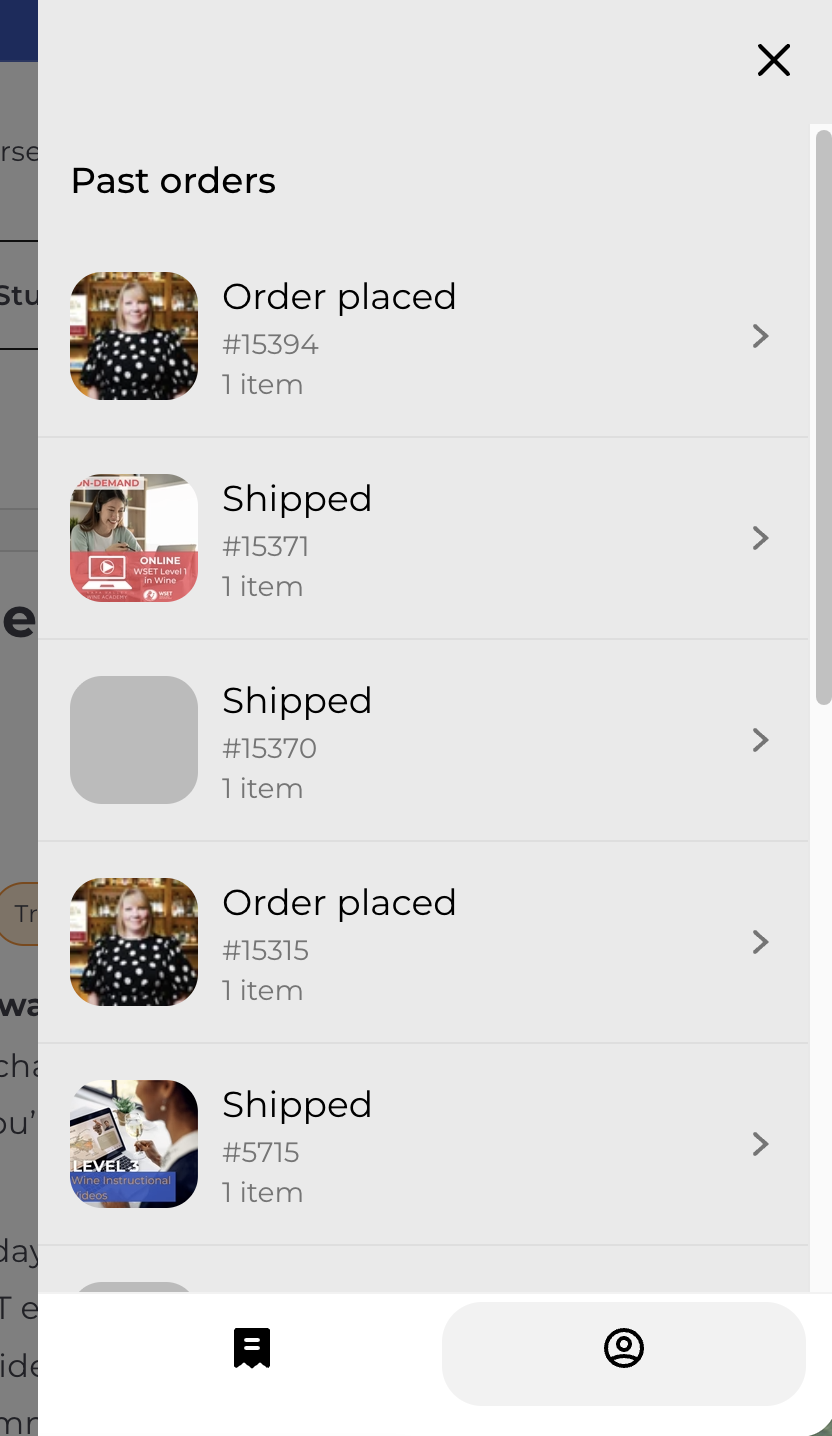
- To cancel or manage your subscription, go to our website napavalleywineacademy.com, select "My Orders" on top right corner and sign in. You don't need to remember a password because the system sends you a code by email.
- Then select My Profile by clicking the 'person icon' at the bottom right of the window
- Select View Account" button in the middle of the window

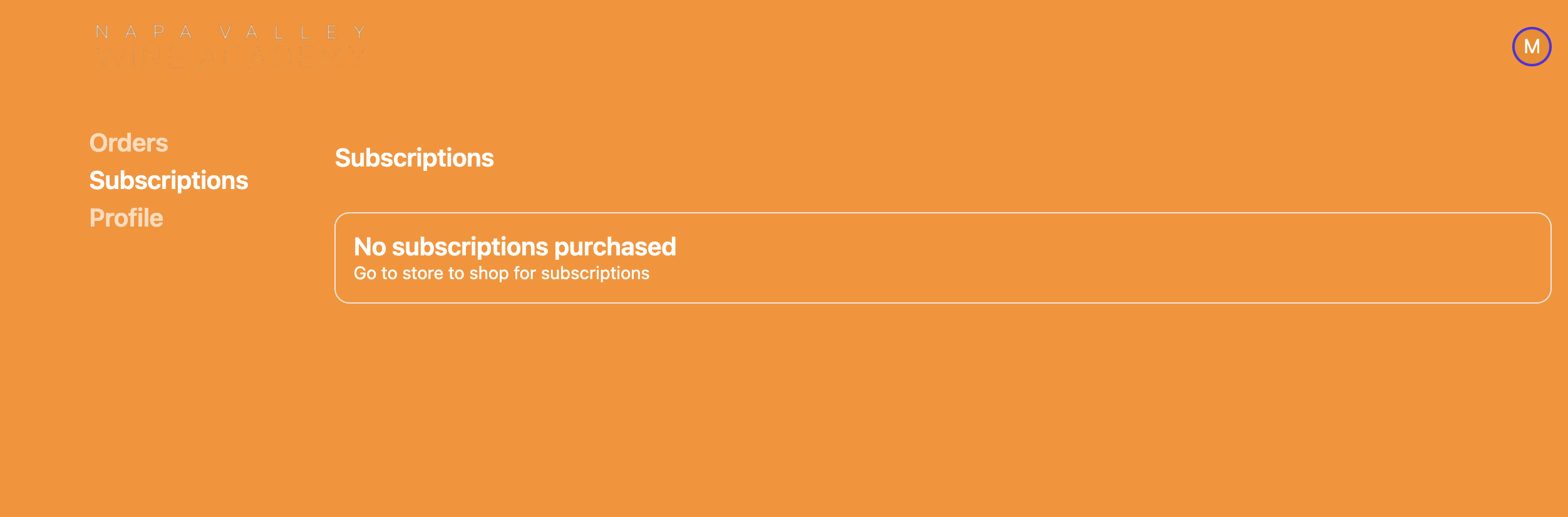
- Select "Subscriptions" on the left menu, select the subscription you want to cancel, and click "Cancel". If you don't see your subscription listed, it may be under a different email address or it's not a subscription that is set to auto-renew. Please, refer to email communication to confirm if the subscription is auto-renew or not.
- Please, let us know if you need assistance or have any feedback by sending an email [email protected], so we can improve! 🙏🙏 🙏